Make the last five seconds easy
On a phone, build a little margin for the keyboard and autocorrect. Try “name a percussion instrument” as a timing drill. Let drum be your backup while you think about a glockenspiel. If you are still checking the long spelling with five seconds left, send the short answer.
- Hold a simple candidate in your head while you look for an interesting one.
- Start typing while there is time to correct a dropped letter.
- If a correction suggestion surprises you, read it once. If it clearly points elsewhere, use your backup.
- Treat an empty screen and a shaky last-second guess as a cue to prepare the fallback earlier next time.
Start when you have a clear run

Change plans when the clock changes
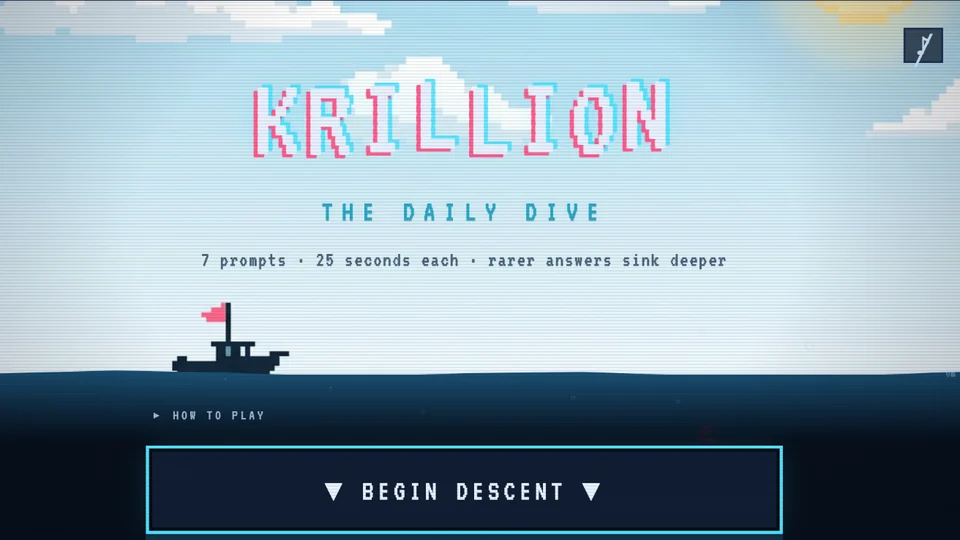
Krillion Unlimited gives each solo prompt a visible 25-second answering window. After a rejected guess the clock continues, so any second attempt spends the same remaining time. In Puffer Party, a hidden fuse passes around the room. Have a short unused answer ready as the puffer comes to you.
Try two sample prompts with a stopwatch. Do one on your usual keyboard and one on your phone. Take the pace that lets you finish the word into the player on the home page.